
You plug in your phone before bed, watch the little lightning icon appear, and drift off with that quiet sense of security: tomorrow, you’ll wake up to 100%.
Then morning hits. Your alarm goes off. You unlock the screen and see it: 68%. Maybe 52%. Some mornings, it even starts with a dreaded red bar.
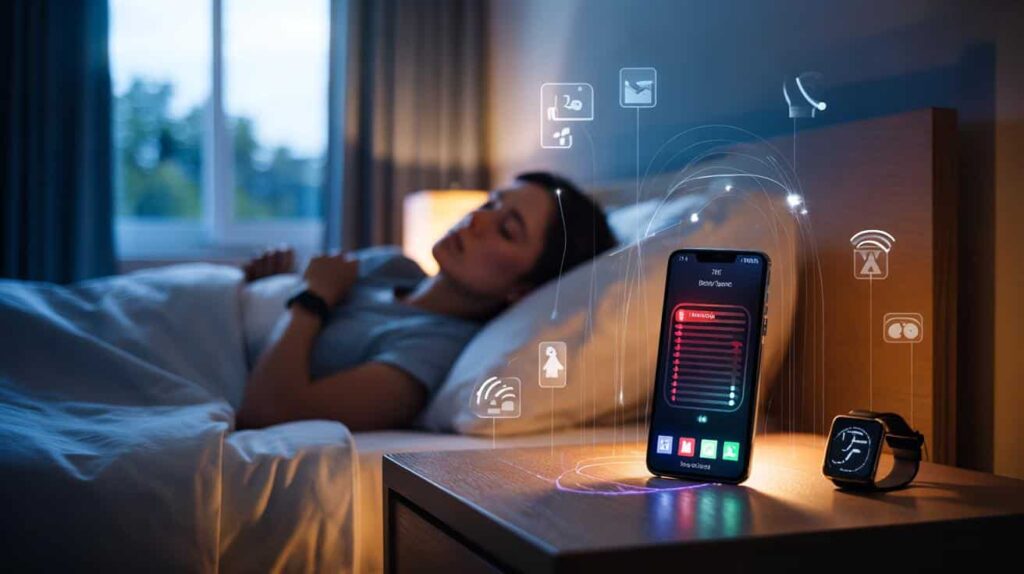
You swear you didn’t touch it during the night. No late scrolling, no streaming, no endless reels. Just sleep.
Yet your phone clearly lived its own secret life in the dark.

That tiny rectangle on your nightstand is busy when you’re not. Talking to apps. Syncing. Listening. Searching for signals.
And the real reason your battery drains faster at night is more unsettling than a “bad battery”.

Why your phone is secretly busy while you sleep
Phones don’t “rest” the way we do.
When you lock the screen, you’re only closing the visible part of the show. Behind the black glass, the system keeps spinning: apps wake up, check for updates, refresh feeds, track location, talk to servers that never sleep.

Some apps are polite guests. They sync quickly, then go quiet.
Others behave like that friend who says they’ll “just send one email” and ends up staying on your couch all night with the lights on and the TV blaring.
One common scene: you fall asleep around midnight with 90% battery. By 7 a.m., you’re down to 55%, and you’re convinced your phone is dying of old age.
You open battery settings and notice a social app or a messaging service sitting smugly at the top of the list with “background activity”.
Maybe it spent the night auto-downloading photos and videos from group chats.
Maybe a cloud backup ran at 3 a.m., copying your photos, your messages, even your health data.
On Android, a bright bar of “mobile network standby” might appear, meaning your phone spent hours fighting for signal.
On iPhone, “Siri & Search” or “Photos” sometimes gobble power at night while indexing pictures and faces. Those little behind-the-scenes jobs don’t ask for permission. They just assume the dark hours are fair game.
There’s also the quiet war for connection.
If your Wi-Fi is weak in the bedroom, your phone keeps hopping between Wi-Fi and mobile data. Every jump, every signal boost, costs a bit of battery.
When you add location pings, notification checks, email syncs, auto-app updates, Bluetooth scans, even a “sleep tracking” watch on your wrist… your phone ends up juggling half a dozen tasks while you lie there thinking nothing’s happening.
*The truth is, “idle” is rarely idle for a modern smartphone.*
Your battery doesn’t vanish by magic at night. It’s spent paying for all those invisible conversations your phone has without you.
How to quietly stop the midnight battery drain
The most radical, simple move: switch on airplane mode at night.
Your phone keeps its clock, alarm and offline apps, but cuts off mobile data, Wi-Fi, Bluetooth and the constant chatter with the outside world.
If that feels too extreme because you’re waiting for a late call, you can at least kill the noisiest culprits.
On Android, go into Settings → Battery → Battery usage, and look at what’s sitting at the top after a night. On iPhone, open Settings → Battery and check which apps show “Background activity”.
Then start trimming. Turn off background refresh for social apps and shopping apps you don’t need awake at 3 a.m.
Let email fetch less often. Disable “auto-play” and big media downloads in chat apps. Each little cut is a quiet victory for your morning battery.

On a human level, this whole story hurts because it feels unfair.
You did nothing, and still you wake up punished with a half-dead phone.
On a tech level, many of us unknowingly create the perfect storm: bed in a low-signal corner, constant Bluetooth pairing, a smartwatch collecting sleep data, Wi-Fi that drops at night, and every app allowed to “refresh in background”.
We give the hardware no chance to rest.
Some habits sting more than others. Leaving your phone just below 20% all the time pushes the battery harder at night. Charging with a super-cheap cable or charger can lead to weird charge cycles and overheating.
And yeah, that old “close all apps every night” routine? It often makes things worse, as your phone just reopens them and works harder.
Soyons honnêtes : personne ne fait vraiment ça tous les jours.
Few of us will open settings every night and micro-manage three menus before sleeping. So the better path is to set things once, wisely, and let your phone breathe without constant babysitting.
“People think battery life is mostly bad hardware,” explains a mobile engineer I spoke to, “but in reality, it’s 70% software behavior, 20% network, and maybe 10% the battery itself.”
This isn’t about turning your smartphone into a dumb brick.
It’s about small, realistic adjustments that reduce the invisible drain.
- Turn on a night focus mode that limits the most active apps after a certain hour.
- Keep Wi-Fi strong in the bedroom, or turn it off completely at night.
- Disable location access for apps that don’t need it while you sleep.
- Use “optimized charging” features so your phone doesn’t hit 100% at 2 a.m. and sit there all night.
- Set cloud backups to run when the phone is charging and on Wi-Fi, not randomly.
These don’t feel as dramatic as “buy a new phone”, yet they often fix the problem you thought was hardware.
The real story your battery is telling you at night
That sinking feeling when you grab your phone in the morning and see 37% left isn’t just about technology.
It’s a tiny reminder of how much of our lives, our data, our attention keeps moving when we’re supposed to be offline.
The night drain is like a quiet mirror. It shows how many apps think they deserve 24/7 access to your habits, your location, your photos.
It shows how much energy, literal and mental, we give to notifications we don’t even see in real time.
Once you tame that, something shifts. You move from reacting to your battery to understanding it.
You start noticing which apps you truly need to hear from at 2 a.m. and which ones can wait until coffee.
And maybe, at some point, you’ll try that one simple experiment: airplane mode for a week of nights.
Watch your battery graph flatten out. Watch your mornings feel a bit lighter.
Your phone won’t love or hate you for it. But your battery numbers will finally match your actual usage, not the secret nightlife of your apps.
That’s when you stop feeling like your phone is betraying you in the dark, and start feeling like you’re both on the same side again.
| Point clé | Détail | Intérêt pour le lecteur |
|---|---|---|
| Le “repos” du téléphone n’existe pas vraiment | Apps, mises à jour, sauvegardes et recherche de réseau tournent même écran éteint | Comprendre que la nuit est un moment d’activité cachée, donc de consommation de batterie |
| Les mauvais réglages amplifient la fuite nocturne | Signal faible, rafraîchissement en arrière-plan et localisation permanente usent la batterie | Identifier les leviers concrets pour réduire la perte sans changer de téléphone |
| De petits gestes suffisent souvent | Mode avion, limitation des apps nocturnes, Wi-Fi stable, charge optimisée | Gagner plusieurs heures d’autonomie le matin avec quelques réglages simples |
FAQ :
- Why does my battery drop 20–30% overnight in standby?
Because your phone isn’t truly in standby. Background apps, poor signal, sync, backups and location checks all keep waking the system and draining energy.- Is it bad to leave my phone charging all night?
Modern phones manage this quite well, especially with “optimized charging” features. The real issue is heat and cheap chargers, not the simple fact of staying plugged in.- Does closing all my apps before bed save battery?
Rarely. Your phone is designed to manage apps in memory. Forcing them all to close can make it work harder as they reopen, which can use more power.- Will airplane mode at night damage my phone or battery?
No. It just disables radios like Wi-Fi and mobile data. It often reduces battery drain and can even help you sleep better by cutting notification noise.- How much nightly drain is “normal” for a smartphone?
On a relatively recent phone with sane settings, losing around 3–8% over 7–8 hours is typical. If you’re losing 20% or more, there’s probably a background or signal problem to fix.
